
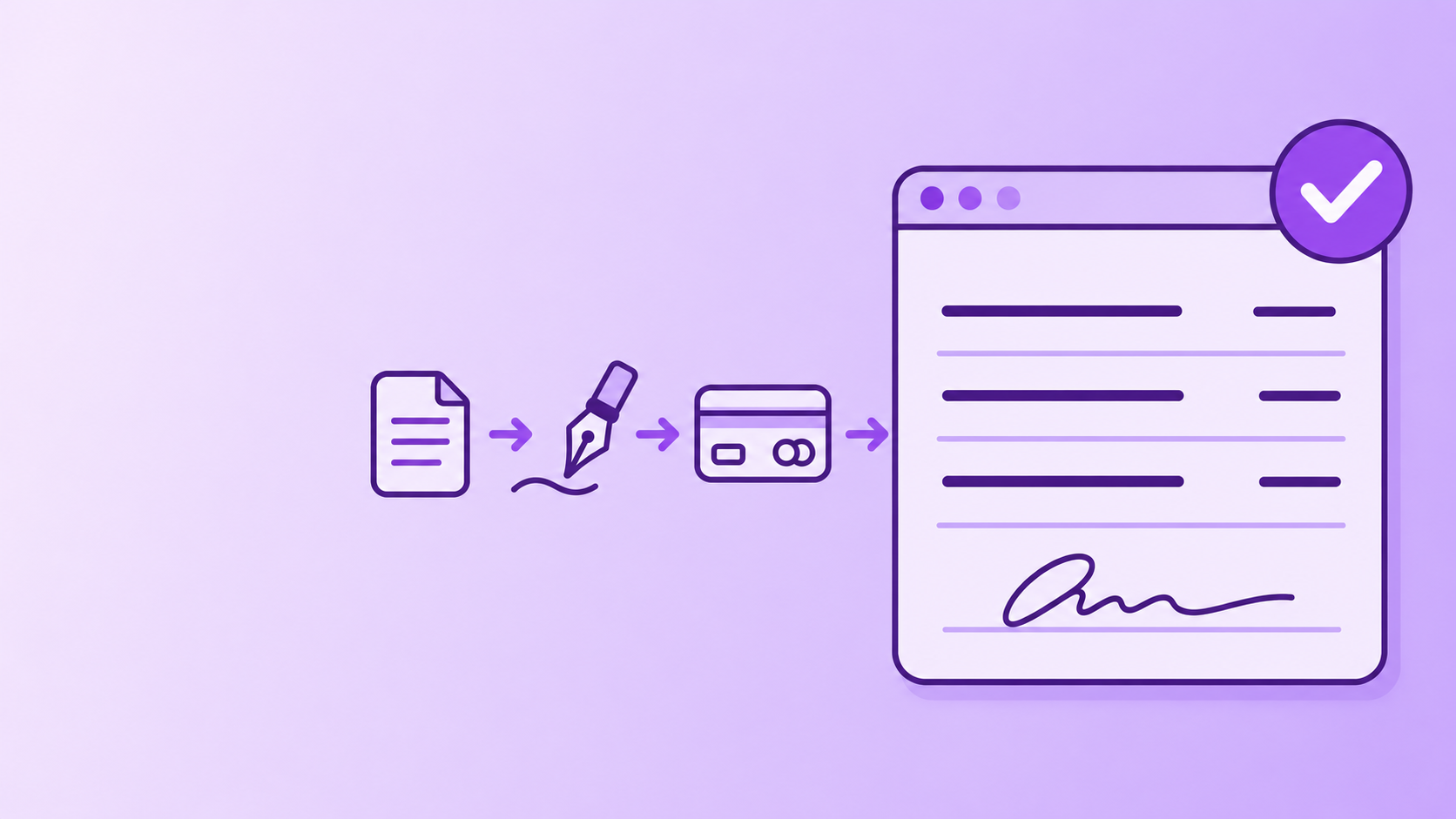
Most freelancers and small agencies send a PDF proposal, wait for a signature in a second tool, then build an invoice in a third. Every handoff gives the client a reason to go quiet. Proposal software that accepts Stripe payments removes the handoffs: the client reviews the scope, signs, and pays a deposit on one page, so you get paid when a client accepts instead of chasing them afterward.
This round-up compares seven tools, Kwill included, that connect proposals, e-signature, and Stripe. It is written for freelancers, consultants, and small agency owners who want one workflow. Details come from each vendor’s own pricing and help pages as of November 20, 2026. Anything I couldn’t confirm is marked “not stated.” Kwill publishes this blog, so read its entry with that in mind.
What to look for in proposal software that accepts Stripe payments
I ranked the tools on seven criteria:
- Native Stripe integration. Payment should happen inside the proposal, not through a link you paste into an email.
- Deposits and milestones. Can the client pay part of the total on acceptance, and who collects the balance?
- E-signature on the same document. Signing and paying should be one visit.
- Recurring or retainer billing. Needed if you bill monthly.
- Fees on top of Stripe’s. Stripe charges its own processing fee. Some tools add a platform fee.
- Branding and templates. Clients see this page, so it should look like your business.
- Pricing. Per-seat pricing and plan gates change the real cost quickly.
The round-up
1. Kwill
Verdict: A client portal that puts the proposal, e-signature, invoice, and Stripe payment behind one link.
Best for: Solo freelancers and consultants who want one tool and no platform fee on top of Stripe.
Key features: Customizable proposal templates with e-signature and an audit trail, 48 invoice templates, 14 payment currencies, and a branded client portal. Clients don’t need an account. Payment-gated delivery unlocks files after an invoice is paid (Studio plan).
Stripe integration: Three options. Connect your own Stripe (or Razorpay) account so card payments go straight to you. Let Kwill create a Stripe account for you, in which case Kwill handles refunds and disputes. Or take bank transfer instead. Payment links can be issued for a deposit, milestone, or full project payment.
Pricing: Free (1 active client, 3 documents), Independent $19/month, Studio $39/month, Collective $79/month. Kwill states a 0% platform fee; Stripe’s fee (about 2.9% + 30¢) passes through at cost.
Limitation: Free, Independent, and Studio are single-user, so team seats start at Collective. Active clients are capped at 1 on Free and 25 on Independent. Recurring invoices start at Studio. The pricing page lists API access and webhooks as coming soon.
2. PandaDoc
Verdict: The most complete document platform here, with payments built into its workflow builder.
Best for: Agencies that already run a sales process and need approvals, templates, and CRM-style workflows.
Key features: Unlimited e-signatures on paid plans, approval workflows, and auto reminders on Business. Payment type can be one-time, recurring, or installments, with the amount pulled from the quote block.
Stripe integration: Add a “Collect payment” step to a template, connect Stripe, and the client pays after signing. Due dates run from “upon signing” to Net 60. PandaDoc lists its own transaction fee as $0.00, subject to change. Its site also describes down payments as a percentage or fixed amount.
Pricing: Starter $19/seat/month billed annually ($35 monthly); Business $49/seat/month annually ($65 monthly).
Limitation: Sources disagree on which plan includes payments. The pricing table shows “Collect payments” on Business and above, while the Stripe help article lists Starter. Confirm before buying. API and automation documents also draw on usage credits.
3. Qwilr
Verdict: The cleanest buyer experience: a live web page where the client signs and pays in one visit.
Best for: Consultants and small agencies selling fixed-scope work who want a polished page rather than a PDF.
Key features: Quote blocks with optional extras and client-adjustable quantities, e-signature, and an acceptance record. Clients can pay by card, Apple Pay, Google Pay, or bank debit (ACH, BECS, SEPA, depending on location).
Stripe integration: Stripe is the only gateway. An admin connects the Stripe account that owns the funds, and payments land there. A deposit at signing can be a flat amount or a percentage. Recurring payments run through Stripe subscriptions.
Pricing: Starter $35/user/month billed annually ($49 monthly); Growth $55 (minimum 5 users); Scale $75 (minimum 10). Qwilr adds a 0.09% fee on Starter and 0% on Growth and Scale. Stripe Billing fees of up to 0.7% apply to recurring payments.
Limitation: After a deposit, collecting the balance happens outside Qwilr: you create the invoice in Stripe. Part payment and recurring billing can’t be combined on one page. Milestones aren’t stated.
4. Bonsai
Verdict: Proposals, contracts, invoices, and time tracking in one freelancer-focused suite.
Best for: Freelancers who want project management and billing in the same account.
Key features: Service packages, white-label proposals, deposit capture (“require a deposit when your client approves”), one-click client approval, and templates. Invoices are listed with retainer and subscription options.
Stripe integration: Enabling Stripe creates a sub-account in Stripe that Bonsai hosts. In the US you must deactivate Bonsai Payments first. Bonsai’s help article lists Stripe cards at 2.9% + $0.30 and adds a 1% platform fee on payments processed through Stripe or PayPal where Bonsai Payments is available. International payments carry a 2.5% FX fee.
Pricing: Proposals and invoicing start at Essentials, $19/user/month billed annually ($25 monthly). Removing Bonsai branding needs Premium ($29 annually).
Limitation: The 1% platform fee on Stripe payments, and payment schedules and milestones aren’t stated.
5. Better Proposals
Verdict: The lowest entry price here, with signatures and payments on every plan.
Best for: Solo operators who send a lot of proposals and want to keep costs predictable.
Key features: Interactive pricing tables, legally binding digital signatures, and payment as an optional required step before onboarding forms or call booking.
Stripe integration: Stripe, GoCardless, and PayPal are supported, and Better Proposals says there are no additional fees for using payment integrations. The pages I read don’t describe how the connection works. The vendor’s blog says you can start a subscription from the document page.
Pricing: Starter $13/user/month billed annually (1 user, 10 documents a month); Premium $21 (50 documents); Enterprise $42 (unlimited).
Limitation: Document send limits on the lower plans, and deposit and milestone support isn’t confirmed on its pages.
6. Proposify
Verdict: A proposal-first tool with e-signature on every plan and a Stripe connection inside the proposal.
Best for: Agencies with a design-heavy proposal process and several people sending.
Key features: E-signature on all plans, unlimited contacts, and unlimited drafting.
Stripe integration: Connect Stripe and request payment in the proposal; the client pays on sign-off. Fees, deposits, and recurring billing aren’t stated on the pages I read.
Pricing: From $39/user/month billed annually ($49 monthly).
Limitation: Sends are metered. Its limits table lists 10 sends a month on the lowest tier, with a per-send charge after that. Custom template design is $1,500.
7. Dubsado
Verdict: A client-management system where one proposal can carry the contract and invoice.
Best for: Service businesses that want automated workflows from inquiry to payment.
Key features: Proposals with packages, a linked contract and invoice, payment plans on invoices, client portals, and unlimited projects and clients.
Stripe integration: Payments run through Dubsado Payments, powered by Stripe, with fees that follow Stripe’s pricing (US cards 2.9% + $0.30; international cards 4.4% + $0.30). The pages I read don’t say whether you can connect an existing Stripe account. Availability is limited to 39 countries.
Pricing: Starter $335/year, Premier $525/year. Public proposals need Premier. Monthly prices aren’t stated.
Limitation: Each proposal can carry only one contract, and the help pages I read were Legacy Dubsado versions, so confirm details for the version you’d use.
Comparison table
| Tool | Stripe integration | E-signature | Deposits or milestones | Recurring billing | Starting price |
|---|---|---|---|---|---|
| Kwill | Connect your own Stripe, or Kwill-created account | Yes, with audit trail | Payment links for deposits and milestones | Studio plan and up | Free; paid from $19/mo |
| PandaDoc | Collect payment step | Yes | Down payments; installments type | Yes | $19/seat/mo annual (payments listed on Business, $49) |
| Qwilr | Connect your Stripe account | Yes | Deposit at signing; balance in Stripe | Yes, not with deposits | $35/user/mo annual |
| Bonsai | Stripe sub-account hosted by Bonsai | Client approval | Deposit capture | Retainer and subscription invoices listed | $19/user/mo annual |
| Better Proposals | Stripe supported | Yes | Not confirmed | Subscription from document | $13/user/mo annual |
| Proposify | Connect Stripe in proposal | Yes | Not stated | Not stated | $39/user/mo annual |
| Dubsado | Dubsado Payments, powered by Stripe | Contract signing | Payment plans | Not stated | $335/year |
How to choose
Solo freelancer who wants one tool: Start with Kwill’s free plan or Better Proposals Starter. Both put signature and payment in the same flow at the lowest cost.
Agency with retainers: If one person runs billing, Kwill Studio includes recurring invoices. If several people send proposals, PandaDoc Business or Qwilr handle recurring payments through Stripe, and both price per seat.
International clients: Qwilr supports ACH, BECS, and SEPA bank debit, and Kwill supports 14 payment currencies. Check currency-conversion costs first, since Bonsai lists a 2.5% FX fee.
Freelancer who also tracks time and projects: Bonsai covers both, but budget for the 1% platform fee on Stripe payments.
FAQ
Do I need a separate invoicing tool?
Not if you pick a tool with invoices built in, such as Kwill, Bonsai, or Dubsado. With Qwilr, the balance after a deposit is invoiced in Stripe. Keep accounting separate either way; Bonsai’s QuickBooks and Xero integrations start at Premium.
Can clients pay a deposit when they accept?
Yes, in several. Qwilr takes a flat or percentage deposit at signing, Bonsai offers deposit capture, PandaDoc describes down payments, and Kwill issues payment links for deposits. Ask how the balance is collected, because that is where tools differ.
Who pays Stripe’s fees?
You do, as the merchant; they come out of each payment. The difference is the extra fee on top. Kwill states 0%, PandaDoc lists $0.00, Better Proposals says no extra fee for payment integrations, Qwilr charges 0.09% on Starter, and Bonsai adds 1% when you use Stripe.
Does the money go straight to my Stripe account?
It depends. Qwilr payments land in the Stripe account you connect. Kwill lets you connect your own account or use one it creates. Bonsai uses a Stripe sub-account it hosts.
Next step
Shortlist two tools and send yourself a test proposal with a small deposit before you commit. The tool that gets you from “accepted” to “paid” with the fewest clicks is usually the right one. If you want to see the one-link flow first, Kwill’s free plan includes proposals with e-signature and invoices with Stripe payments.
Leave a Reply